
Description
Learn how AI integration connects CRMs, websites, email, forms, dashboards, and internal apps to automate workflows and improve productivity.
Connecting AI With Your Existing Business Tools
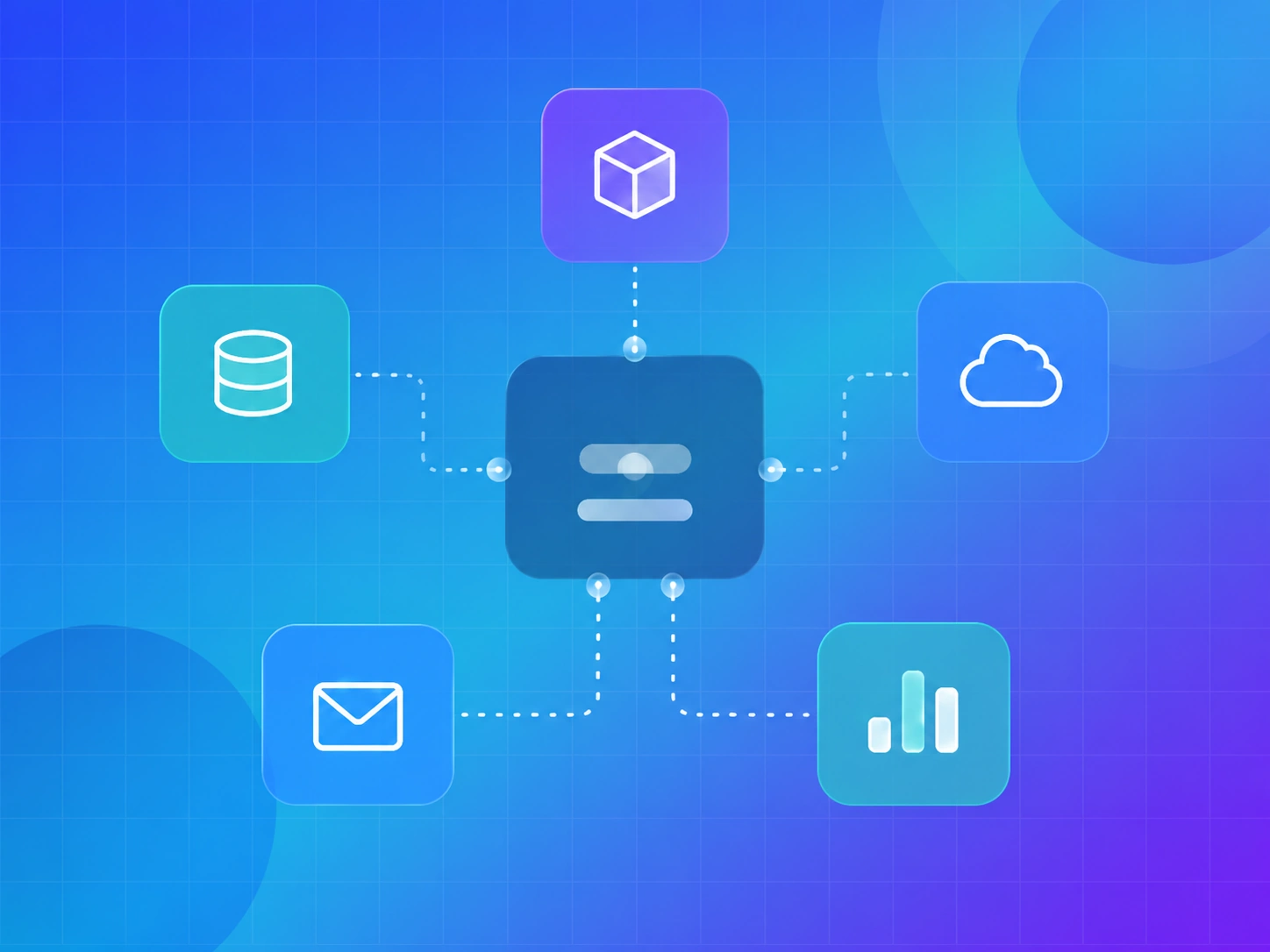
AI becomes more powerful when it connects with the tools your business already uses. Many companies use CRMs, websites, email platforms, forms, spreadsheets, dashboards, project management tools, and internal apps. But when these systems are disconnected, teams spend too much time moving data manually.
AI integration solves this problem by connecting artificial intelligence with your existing business tools. This allows information to move faster, workflows to run automatically, and teams to work more efficiently.
What Is AI Integration?
AI integration means connecting AI systems with your current tools, platforms, databases, and workflows. Instead of using AI as a separate tool, it becomes part of your daily business process.
For example, AI can read a website form submission, qualify the lead, update the CRM, send a follow-up email, notify the sales team, and add the lead to a dashboard. This creates a connected workflow that reduces manual effort.
Why AI Integration Matters
Many businesses already have useful tools, but they are not always connected. A lead may come through a website form, then someone manually copies details into a CRM, sends an email, creates a task, and updates a spreadsheet. This process takes time and can create mistakes.
AI integration helps automate these steps. It allows tools to communicate with each other and creates smoother operations.
Connect AI With CRM Systems
CRM systems are central to sales and customer relationships. AI integration can improve CRM workflows by automatically adding leads, summarizing conversations, scoring prospects, creating follow-up tasks, and updating deal stages.
This helps sales teams stay organized and respond faster. It also reduces the chance of missing important leads.
Connect AI With Email Platforms
Email is one of the most common business tools. AI can help write drafts, personalize follow-ups, summarize long conversations, categorize messages, and trigger automated sequences.
For example, when a new lead submits a form, AI can generate a personalized reply based on the message. It can also notify the team and schedule a follow-up.
Connect AI With Website Forms
Website forms are often the start of a customer journey. AI integration can make forms smarter by analyzing submissions, identifying user intent, and routing inquiries to the right team.
A project inquiry can be categorized as chatbot development, workflow automation, AI website design, dashboard development, or custom integration. This helps your team respond with more relevant information.
Connect AI With Dashboards
AI integration can bring data from multiple tools into one dashboard. This helps teams monitor performance, track leads, review support trends, and understand business activity in real time.
AI can also generate summaries and highlight important changes, making dashboards easier to understand.
Connect AI With Internal Tools
Every business has internal processes. AI can connect with project management platforms, databases, documentation systems, support tools, and communication apps.
For example, AI can create project tasks from client emails, summarize meeting notes, update internal documents, or alert teams when a workflow needs attention.
Benefits of AI Integration
AI integration reduces manual data entry, improves accuracy, speeds up response times, and helps teams stay aligned. It also creates better customer experiences because information moves quickly and consistently.
When AI connects with business tools, teams do not need to constantly switch between platforms. The system handles routine actions in the background.
Custom AI Integration vs Basic Automation
Basic automation follows fixed rules. Custom AI integration can understand context. For example, a basic automation may send the same email to every form submission. AI integration can read the message, identify the user’s need, and create a more relevant response.
This makes workflows smarter and more helpful.
Security and Data Control
AI integration should be planned carefully. Businesses need to decide what data AI can access, where information is stored, and what actions require human approval.
A reliable AI integration should include permissions, security rules, error handling, and monitoring. This is especially important for businesses handling sensitive customer data.
How to Start With AI Integration
Start by choosing one workflow that creates repeated manual work. This could be lead routing, CRM updates, email follow-ups, reporting, support ticket summaries, or document processing.
Map each step of the workflow. Then identify where AI can help. The best first integration is usually simple, clear, and high-impact.
How NeuroCraft AI Builds AI Integrations
At NeuroCraft AI, we build custom AI integrations that connect with your current tools. We study your workflow, identify bottlenecks, plan the integration, build the automation logic, and test the system carefully.
Our goal is to create AI systems that work smoothly with your business instead of adding more complexity.
Conclusion
AI integration helps businesses connect tools, automate workflows, and reduce manual work. It makes AI more useful because it becomes part of daily operations.
By connecting AI with CRMs, websites, email platforms, dashboards, and internal systems, businesses can improve productivity, accuracy, and customer experience.
For companies that want smarter operations, AI integration is one of the most practical ways to start.
FAQ
What is AI integration?
AI integration connects artificial intelligence with existing business tools such as CRM, email, websites, dashboards, and internal apps.
Can AI integration automate CRM updates?
Yes. AI can add leads, summarize conversations, score prospects, and create follow-up tasks.
Is custom AI integration useful for small businesses?
Yes. Small businesses can use AI integration to save time, reduce manual work, and improve response speed.